Community Forum & News - Documentation
Welcome to the official documentation for Community Forum & News. Thank you for purchasing our application! We have put a lot of effort into making this script robust, secure, and easy to use.
We have set up two environments for you to test the script thoroughly:
1. The "Real World" Community
See the script running in a production environment. We use our own script to host the support forum and reviews!
- Visit: https://web-aventure.fr
2. The Admin Panel Sandbox
Test the backend capabilities. Note that for security reasons, this demo is in Safe Mode: you can browse everywhere, view stats and settings, but modification actions (POST/PUT) are locked.
- Url: https://web-aventure.fr/testcommunity/
- Login:
admin@admin.com - Password:
AAaa11@@
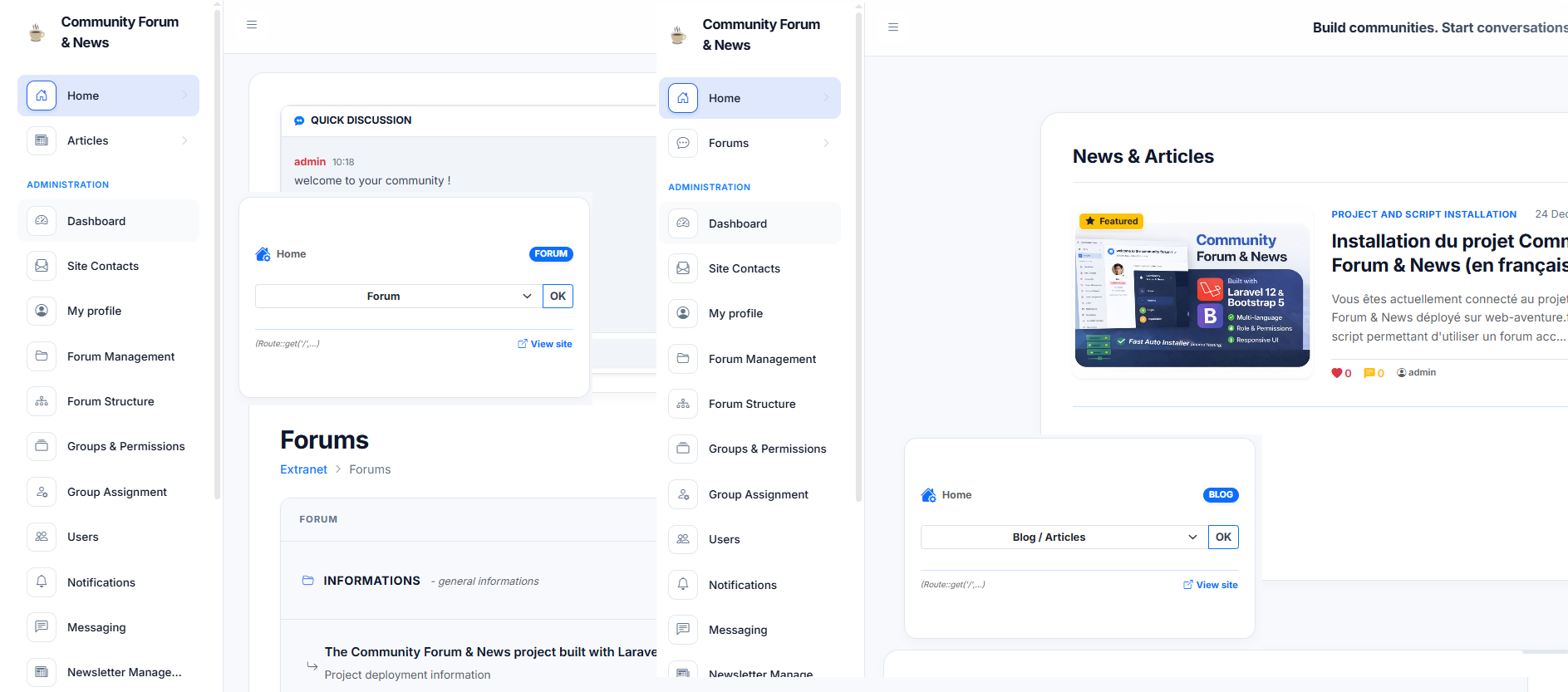
Overview
Community Forum & News is a modern hybrid platform built with Laravel 12 and Bootstrap 5. It allows you to create a community, a blog, or both combined.
Key Features
- Powerful Admin Dashboard: Complete server-side administration designed for shared hosting. Monitor live stats, manage IPs, and control users directly from the backend.
- Dual Mode: Switch between Forum layout and Magazine layout instantly.
- Mobile First: 100% responsive design with an Off-Canvas menu.
- Native Dark Mode: Optimized for eye comfort.
- Automated Installer: No coding skills required to set up.
- Secure: Strong ACL system (Roles & Permissions) and automated security checks.
- Easy Deployment: Automated installer – get started without coding skills.
Getting Started
If you are new to this script, we recommend following the guide in this order:
- Installation: How to upload files and run the wizard.
- Configuration: Set up your logo, SMTP, and social login.
- Administration: Learn how to manage users, articles and forums.
Support
If you have any questions that are not covered in this documentation, please contact us via our CodeCanyon Profile.
!!! info "Support Hours" We usually respond to support tickets within 24 to 48 hours (Monday to Friday). Please include your Purchase Code in your message.